Company-ready AI policy
A ‘Before you approve a tool’ checklist helps your lead check accounts, information, and review steps. Then turn your company's decisions into a policy your team can follow.
WHAT YOU GET
Enter your company choices to create your policy, employee lesson, and rollout materials. The reference guides, control cards, and optional slides support the next steps—you complete their marked company fields when you need them. One clear starting point, with room to grow.
A ‘Before you approve a tool’ checklist helps your lead check accounts, information, and review steps. Then turn your company's decisions into a policy your team can follow.
A company-specific lesson with plain-language explanations, realistic situations, a short knowledge check, and acknowledgment wording for the company’s existing process.
Launch emails, talking points, team discussion prompts, acknowledgment instructions, and new-hire steps.
Simple records for connected AI, approvals, exceptions, training, incidents, versions, and scheduled reviews.
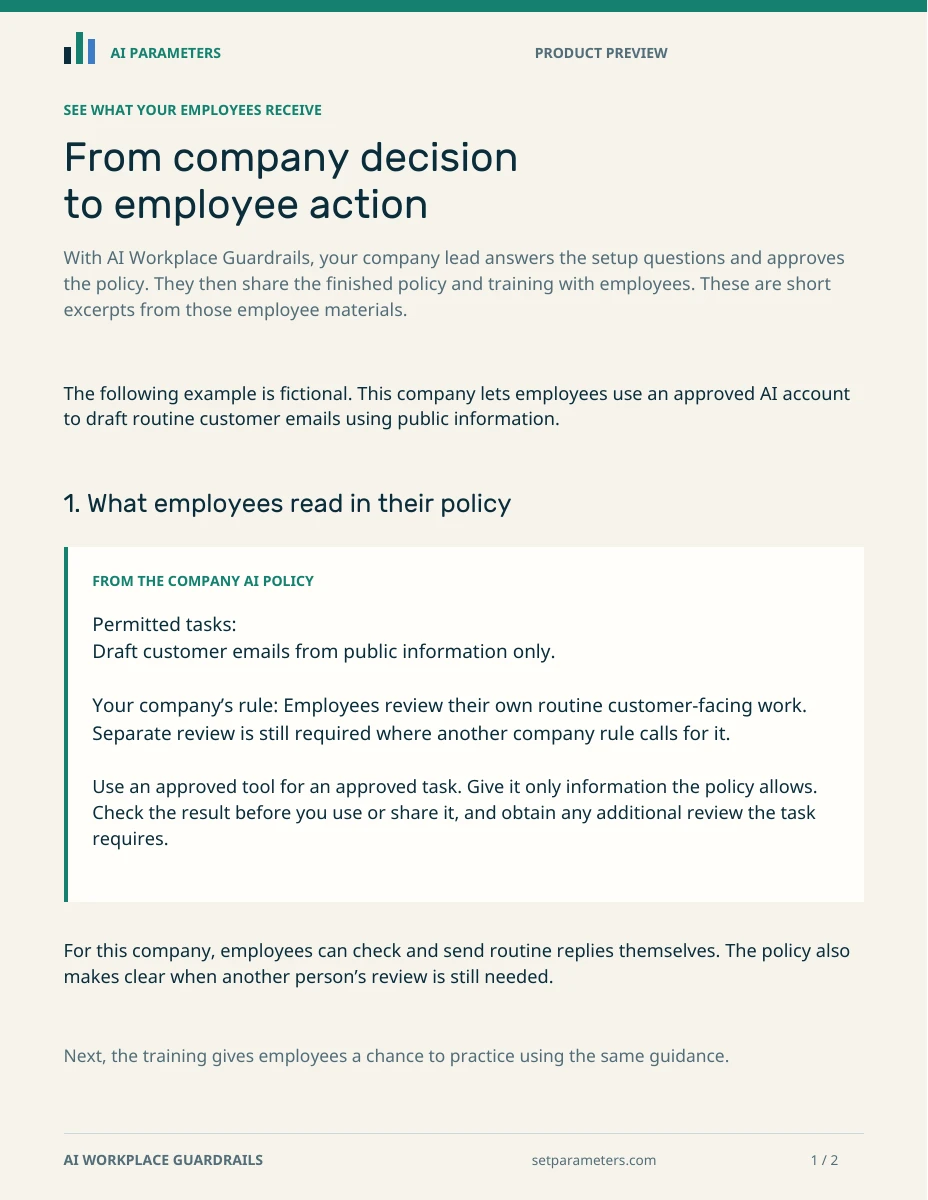
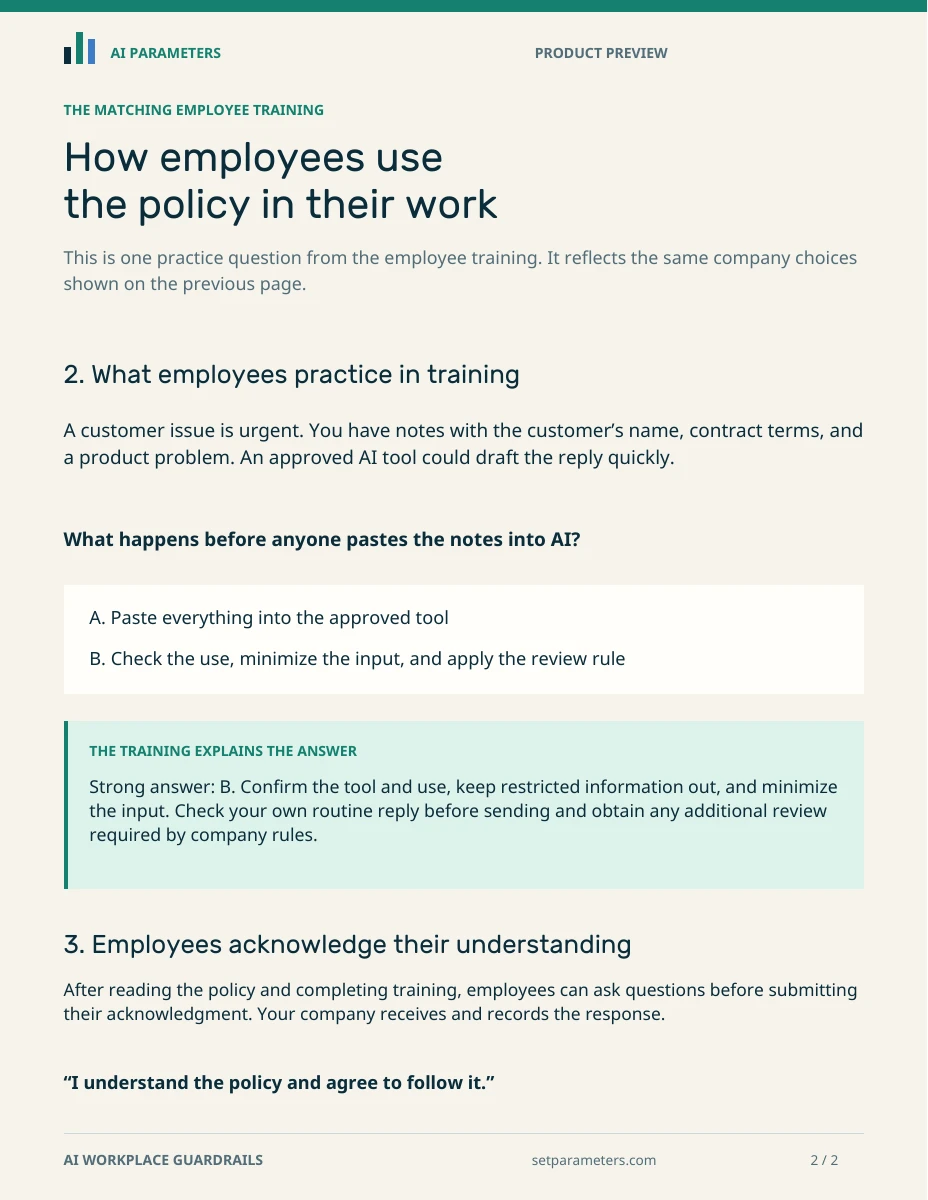
SEE WHAT YOUR EMPLOYEES RECEIVE
See how one fictional company’s choices appear in its finished AI policy and matching employee training.
Employees learn what they can handle on their own and when to ask for help.
Read the exampleNo email needed · Open the two-page PDF
Prefer group training? Included optional training slide
WHEN AI REACHES INTO OTHER SYSTEMS
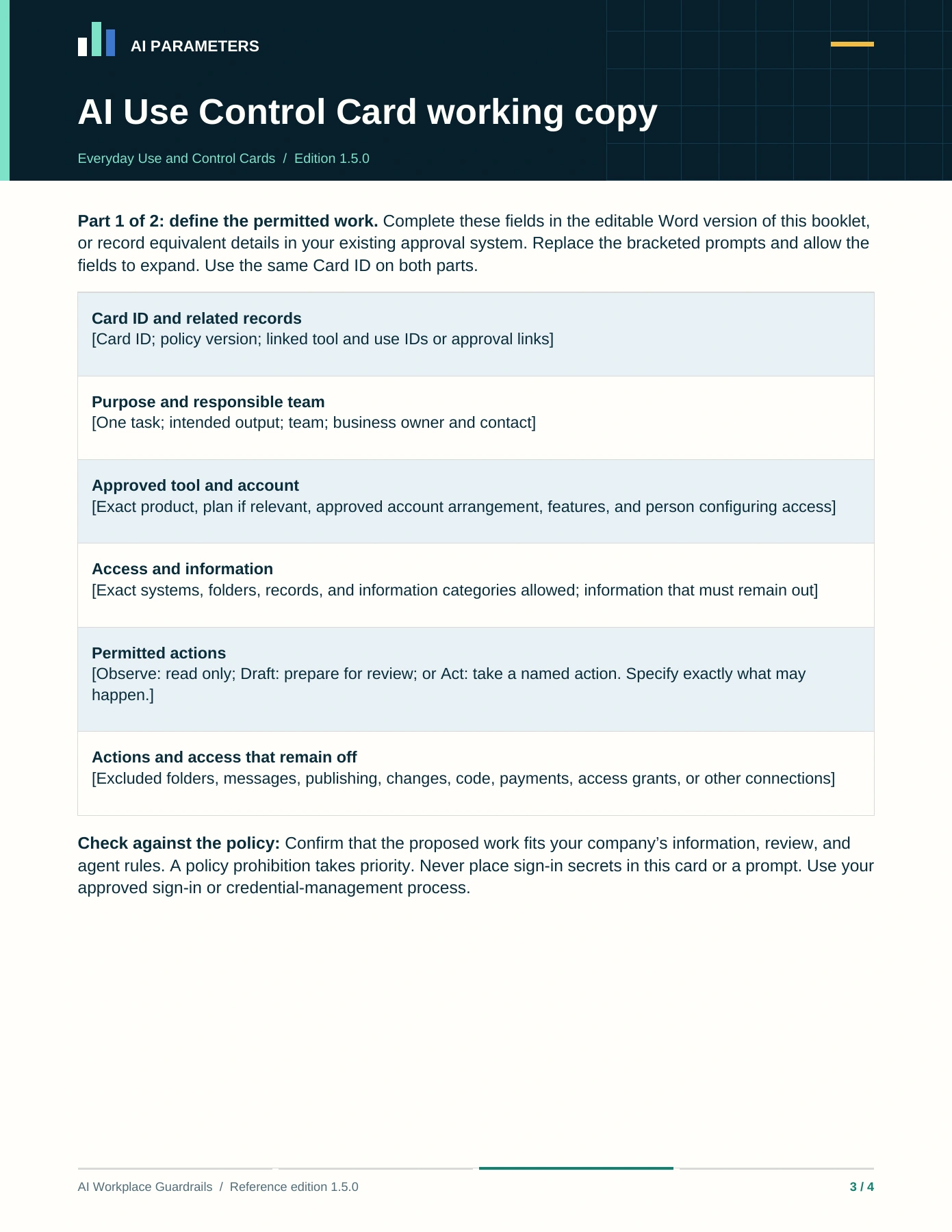
The included AI Use Control Card helps you record what a connected AI tool can access and do, who’s responsible for it, and how you’ll check its limits.
Routine work already covered by your policy doesn’t need a fresh card for every draft. Your lead completes the Word working copy with the person configuring the tool. The card doesn’t set or enforce software permissions or override your policy. Your team still configures the tool.